Now you can add a “add to your msn messenger” or “add to your windows live messenger” button to your Windows Live Hotmail, Outlook and other email signatures, Windows Live Space, or blog, and your friends and family can simply click your button to add you to their contact list.
To create button forst go to this url:
http://www.gowindowslive.com/messenger/button/Default.aspx
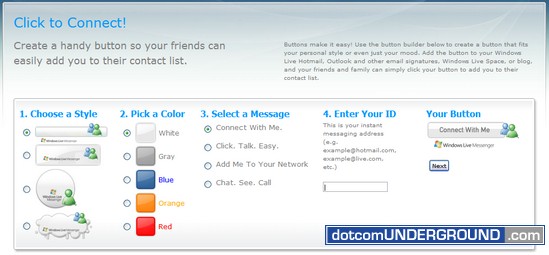
From this page you can choose a style, choose a color and the button text.
The button text option only allows you to choose from 4 options:
Connect With Me.
Click. Talk. Easy.
Add Me To Your Network
Chat. See. Call.
Then you need to provide your msn messenger or windows live messenger id and hit the “Next” button.
This will give you a HTML code which you can add to your site or blog.
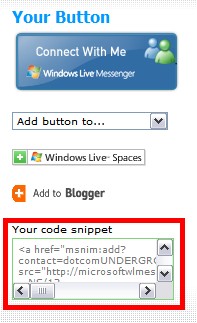
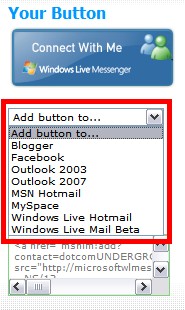
Clicking on the “add button to…” option gives you detailed instructions on how you can add the button on blogger, facebook, outlook 2003, outlook 2007, msn hotmail, my space, windows live hotmail and windows live mail beta.
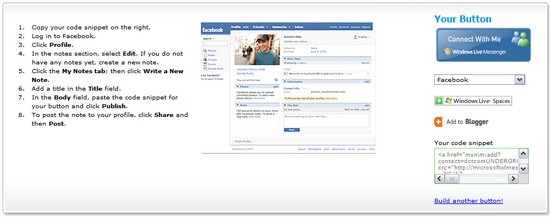
Here is the “Add to facebook” instructions page:




Tags: MSN Messanger, MSN Messenger, MSN Messenger 2008, Tech, Technology, Tips and Tricks, Windows Live Messenger, Windows Live Messenger 2008, WLM
Categories: Tech, Tips and Tricks


